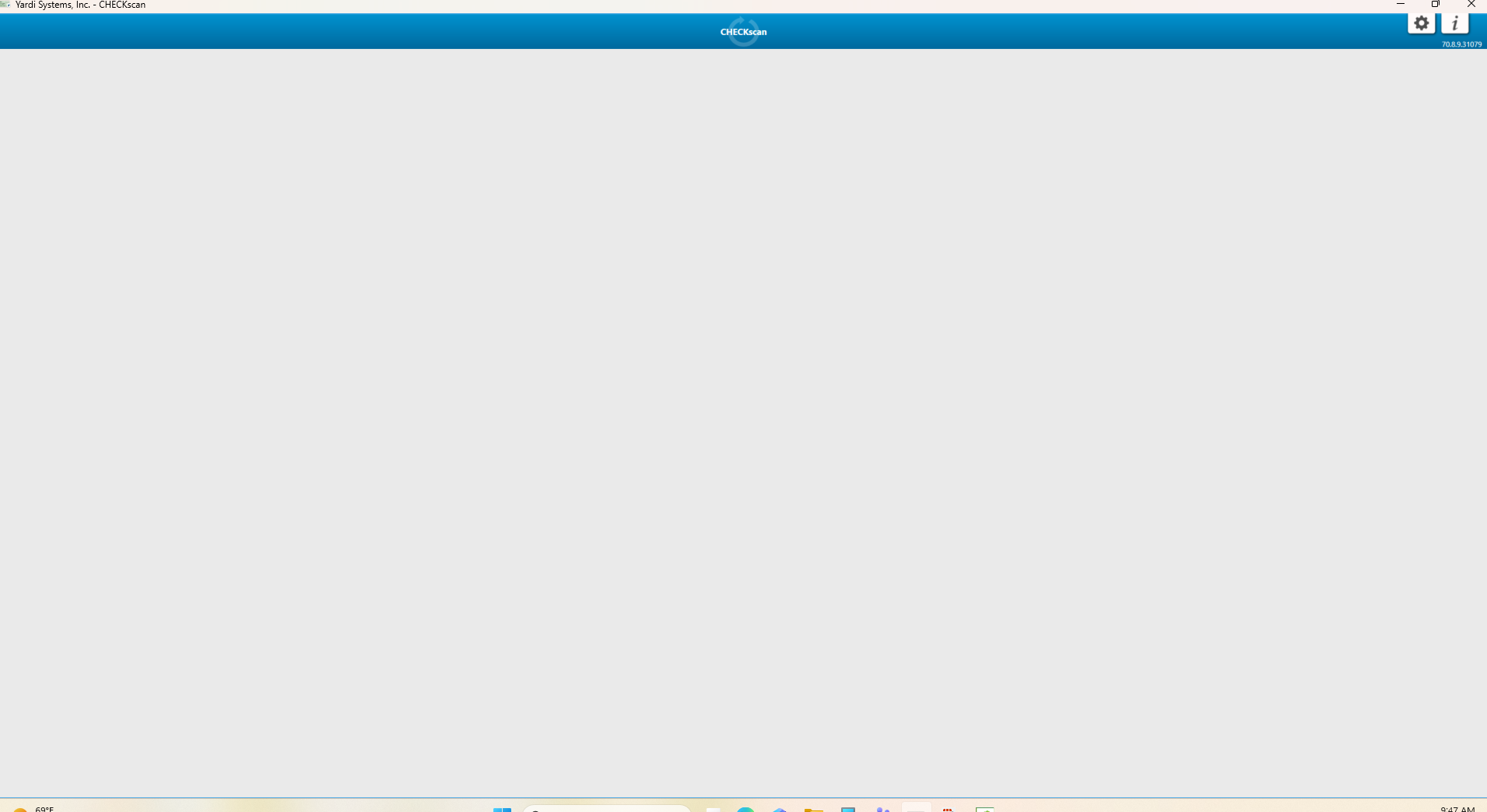
When initiating Checkscan, if you are met with a screen like that shown below, you will be able to continue by right-clicking the grey/blank space and choosing Refresh. This will allow you to access. If not, you will need to submit a ticket to Operations to troubleshoot.
Was this article helpful?
That’s Great!
Thank you for your feedback
Sorry! We couldn't be helpful
Thank you for your feedback
Feedback sent
We appreciate your effort and will try to fix the article