When generating Residential Correspondence in CRM IQ, after inputting relevant information into the fields but before generating the letters in question, make sure to select Display. This will populate the list of residents to be included with the given fields.
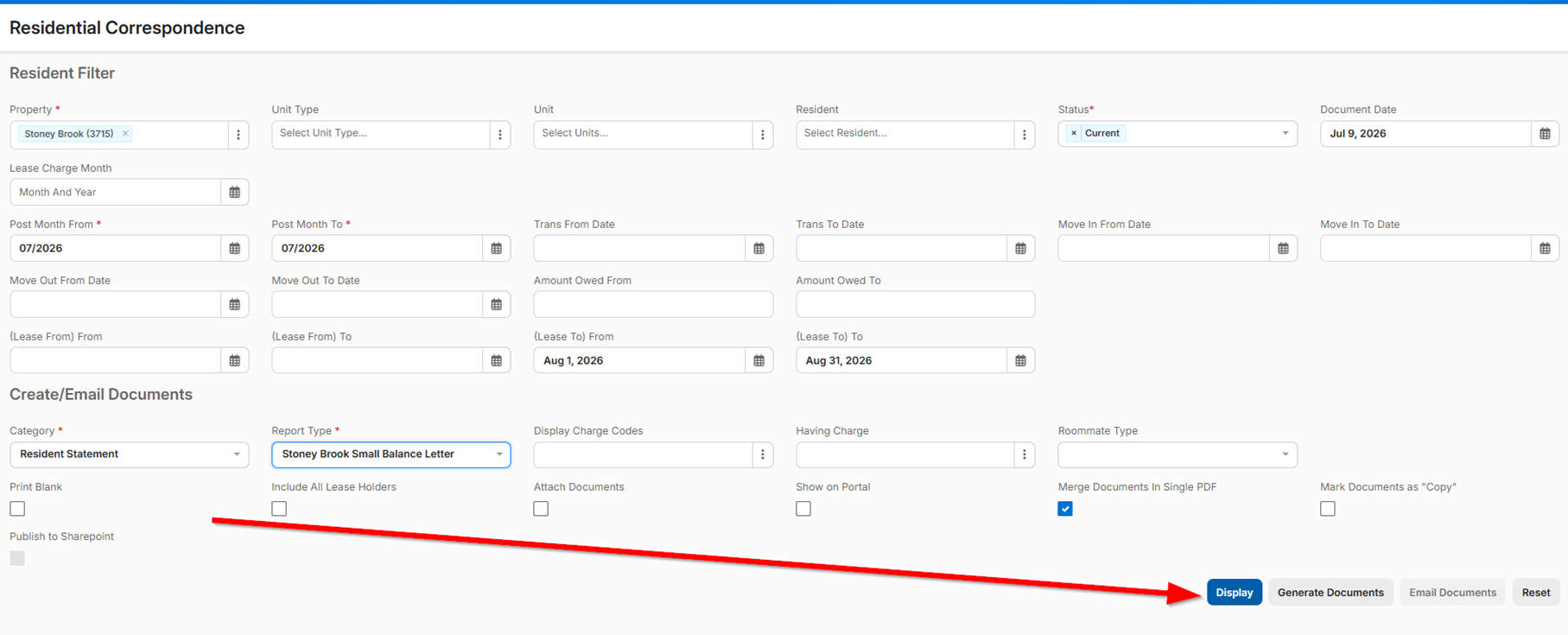
For a full walkthrough for generating residential correspondence attached.
Was this article helpful?
That’s Great!
Thank you for your feedback
Sorry! We couldn't be helpful
Thank you for your feedback
Feedback sent
We appreciate your effort and will try to fix the article